Team Management
Manage who can access your workspace and what they can do. Access is controlled at two levels: workspace-wide and per-app.
In the dashboard, your organization is called a workspace. Similarly, "project" is the legacy name for app -- some UI labels may still use the older term.
Workspace Team
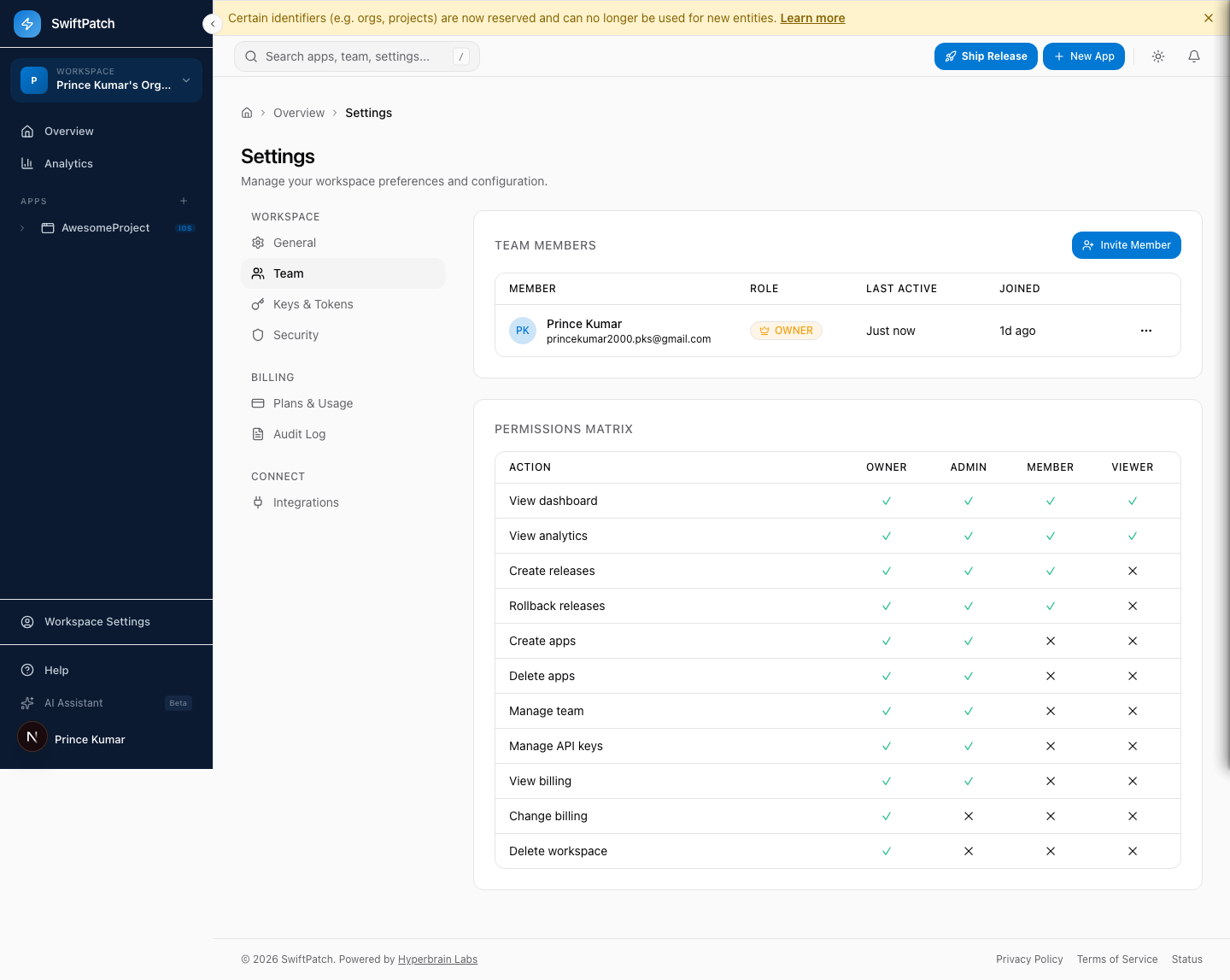
Go to Settings > Team to see all members with their role, last activity, and join date.
Roles and Permissions
| Action | Owner | Admin | Member | Viewer |
|---|---|---|---|---|
| View dashboard | Yes | Yes | Yes | Yes |
| View analytics | Yes | Yes | Yes | Yes |
| Create releases | Yes | Yes | Yes | No |
| Rollback releases | Yes | Yes | Yes | No |
| Create apps | Yes | Yes | No | No |
| Delete apps | Yes | Yes | No | No |
| Manage team | Yes | Yes | No | No |
| Manage API keys | Yes | Yes | No | No |
| View billing | Yes | Yes | No | No |
| Change billing | Yes | No | No | No |
| Delete workspace | Yes | No | No | No |
Here is what each role means:
- Owner -- Full control including billing and workspace deletion. One per workspace.
- Admin -- Manages apps, releases, team, and API keys. Cannot modify billing.
- Member -- Creates and rolls back releases. Cannot manage apps, team, or billing.
- Viewer -- Read-only access to dashboard and analytics.
Assign the most restrictive role that still lets a person do their job.
Inviting Members
Step 1: Go to Settings > Team or an app's Members tab.
Step 2: Click Invite Member.
Step 3: Enter the email and select a role.
Step 4: Click Send Invite.
Invitations expire after 7 days. Resend from the same page if needed. Pending invitations count toward your plan's seat limit.
App-Level Members
You can restrict access to specific apps by managing members at the app level. Open an app, then click Members.
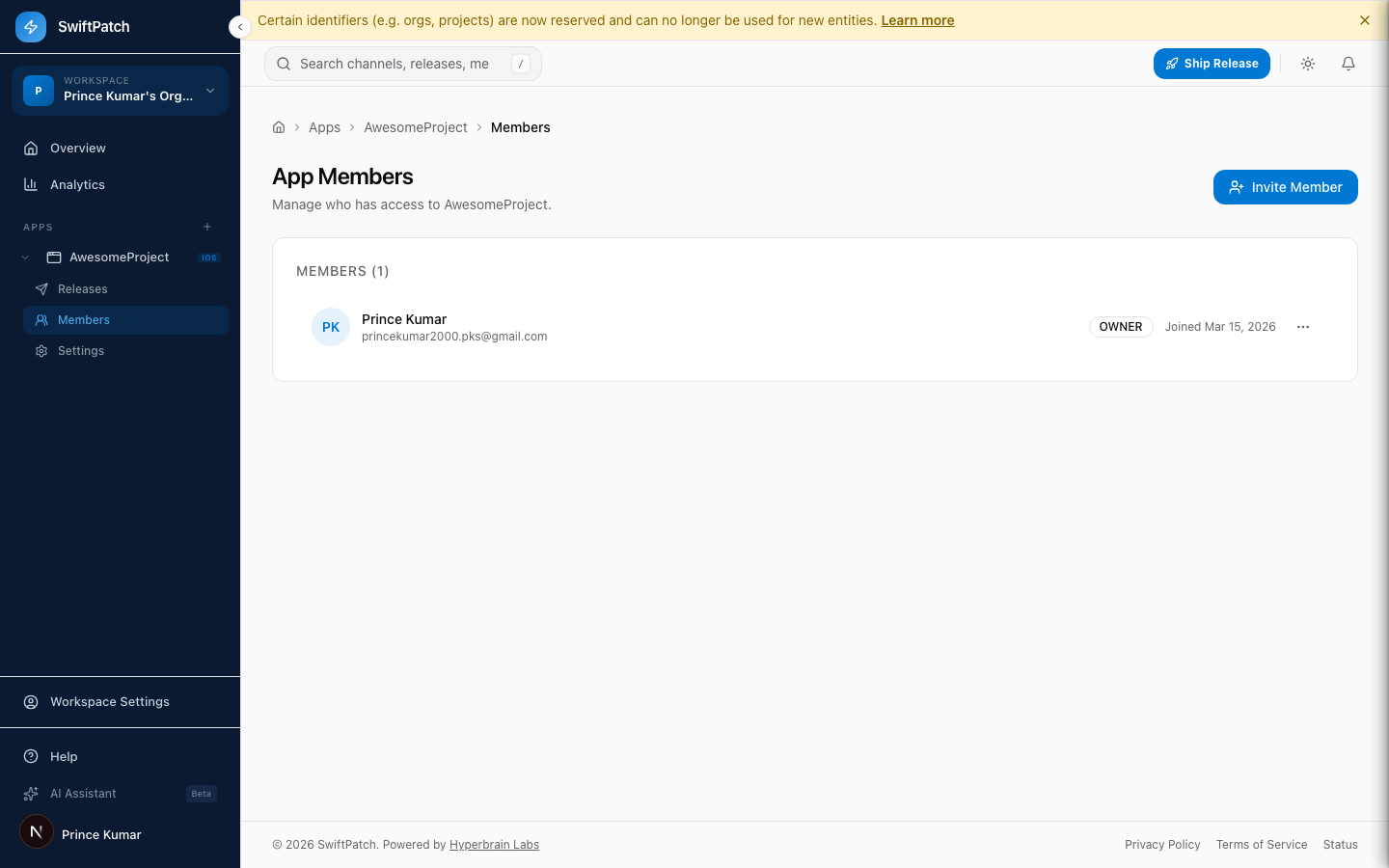
Use app-level access when different teams own different apps in the same workspace.
Changing a Role
Step 1: Go to Settings > Team.
Step 2: Click the ... menu on the member's row.
Step 3: Select Change Role and choose the new role.
Takes effect immediately.
Removing a Member
Step 1: Go to Settings > Team.
Step 2: Click the ... menu > Remove.
Step 3: Confirm.
Removal is immediate. The member loses all access and any active API keys are revoked.
Plan Limits
| Plan | Team Members |
|---|---|
| Free | 3 |
| Indie | 3 |
| Team | 10 |
| Business | 25 |
| Enterprise | Unlimited |
See Limits for full plan details.