Settings
Access workspace settings from the bottom-left of the sidebar.
In the dashboard, your organization is called a workspace.
| Group | Sections |
|---|---|
| Workspace | General, Team, Keys & Tokens, Security |
| Billing | Plans & Usage, Audit Log |
| Connect | Integrations |
General
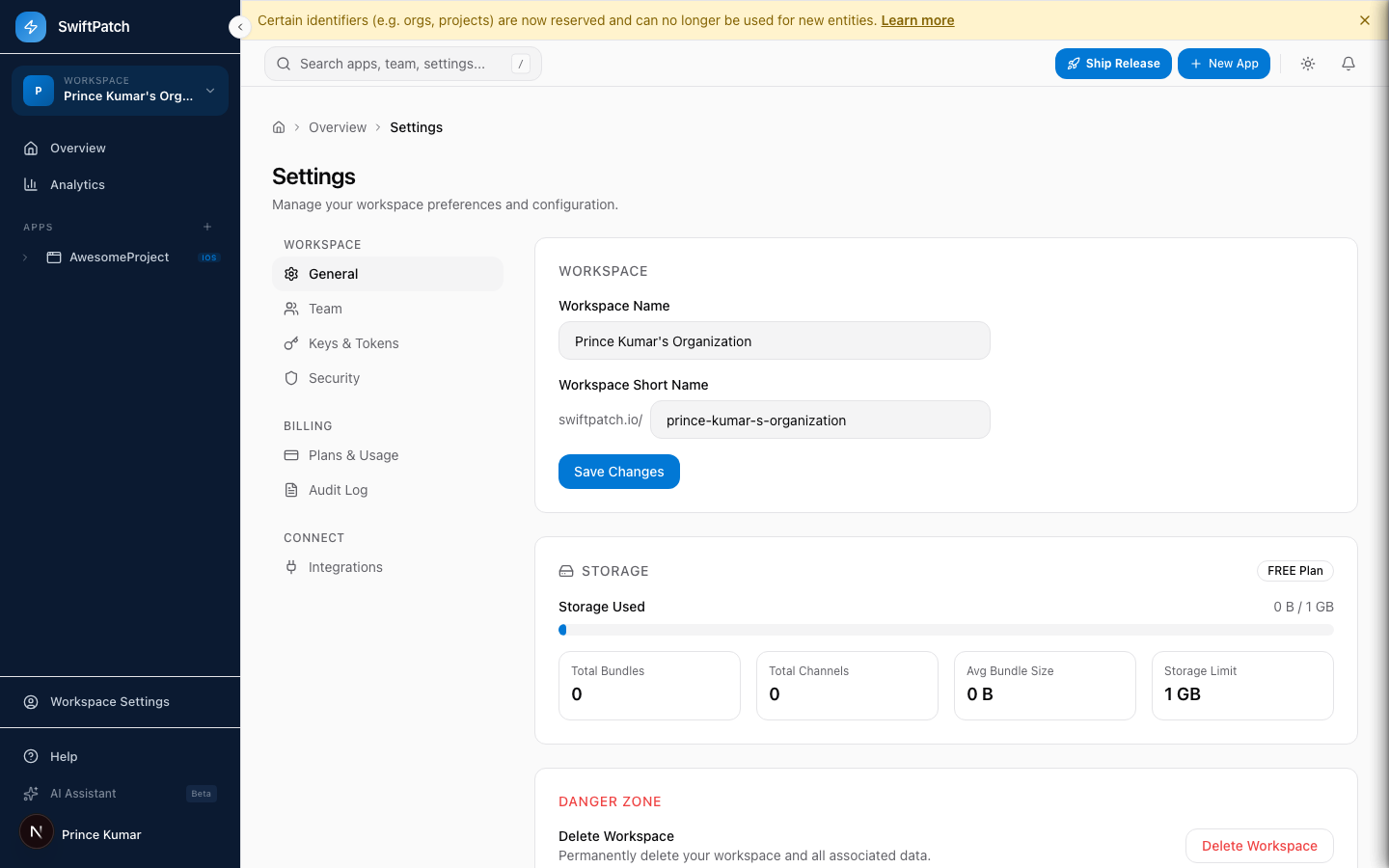
Workspace Name
Appears across the dashboard and in notifications. Change it under Settings > General.
Workspace Short Name
Part of your workspace URL: swiftpatch.io/{short-name}.
Changing the short name breaks existing bookmarks and shared links.
Storage Overview
| Metric | Description |
|---|---|
| Storage Used | Total storage out of your plan limit |
| Total Bundles | Bundles uploaded across all apps |
| Total Channels | Deployment channels created |
| Avg Bundle Size | Average bundle size |
| Storage Limit | Maximum for your plan |
Danger Zone
Delete Workspace permanently removes all apps, bundles, channels, and team members.
This is irreversible. Export any data you need first.
Integrations
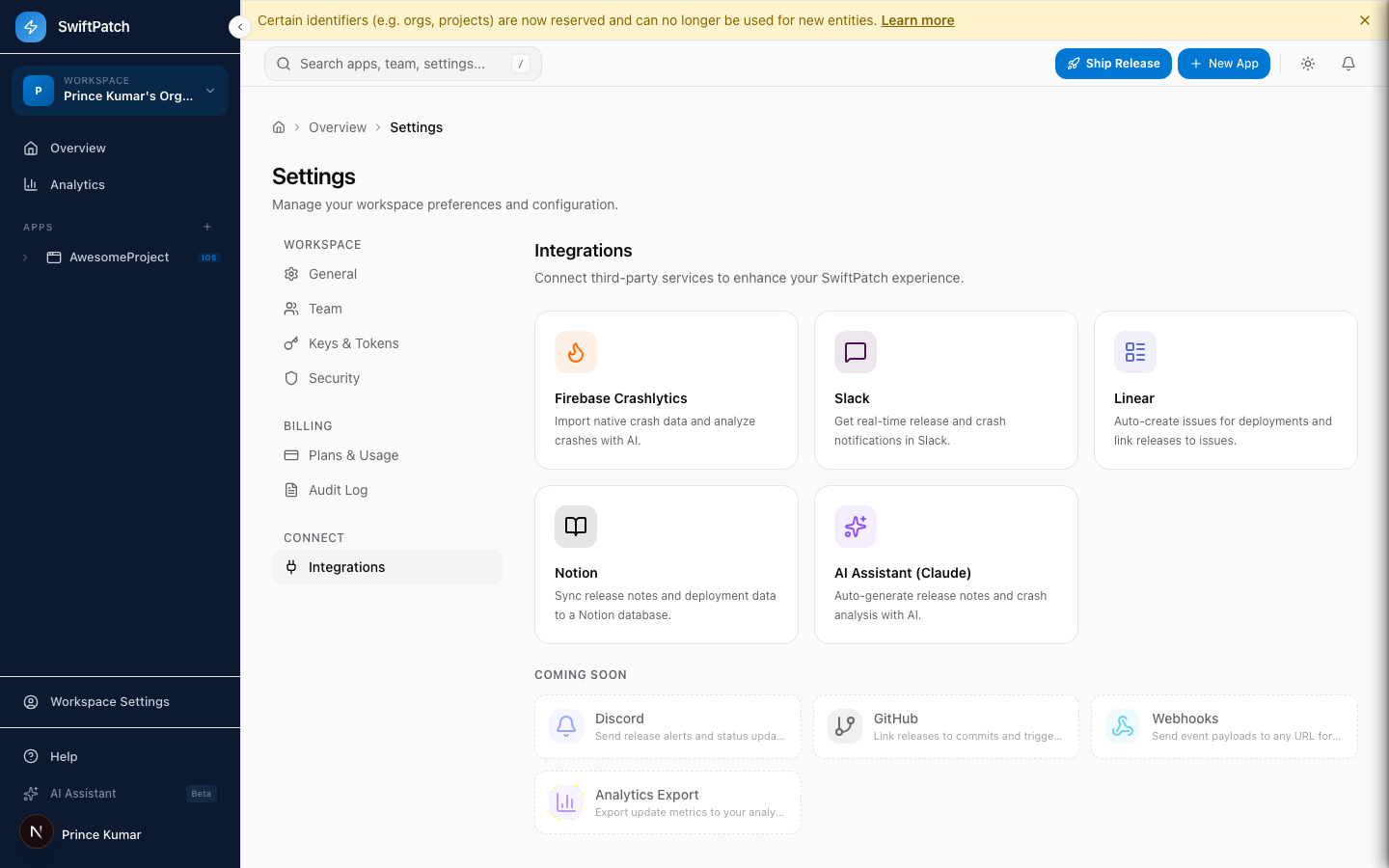
| Integration | What it does |
|---|---|
| Firebase Crashlytics | Import native crash data with AI analysis |
| Slack | Real-time release and crash notifications |
| Linear | Auto-create issues for deployments |
| Notion | Sync release notes to Notion |
| AI Assistant (Claude) | Auto-generate release notes and crash analysis |
To connect: go to Settings > Integrations, click the service card, and follow the prompts.
Discord, GitHub, Webhooks, and Analytics Export integrations are on the way.
Keys & Tokens
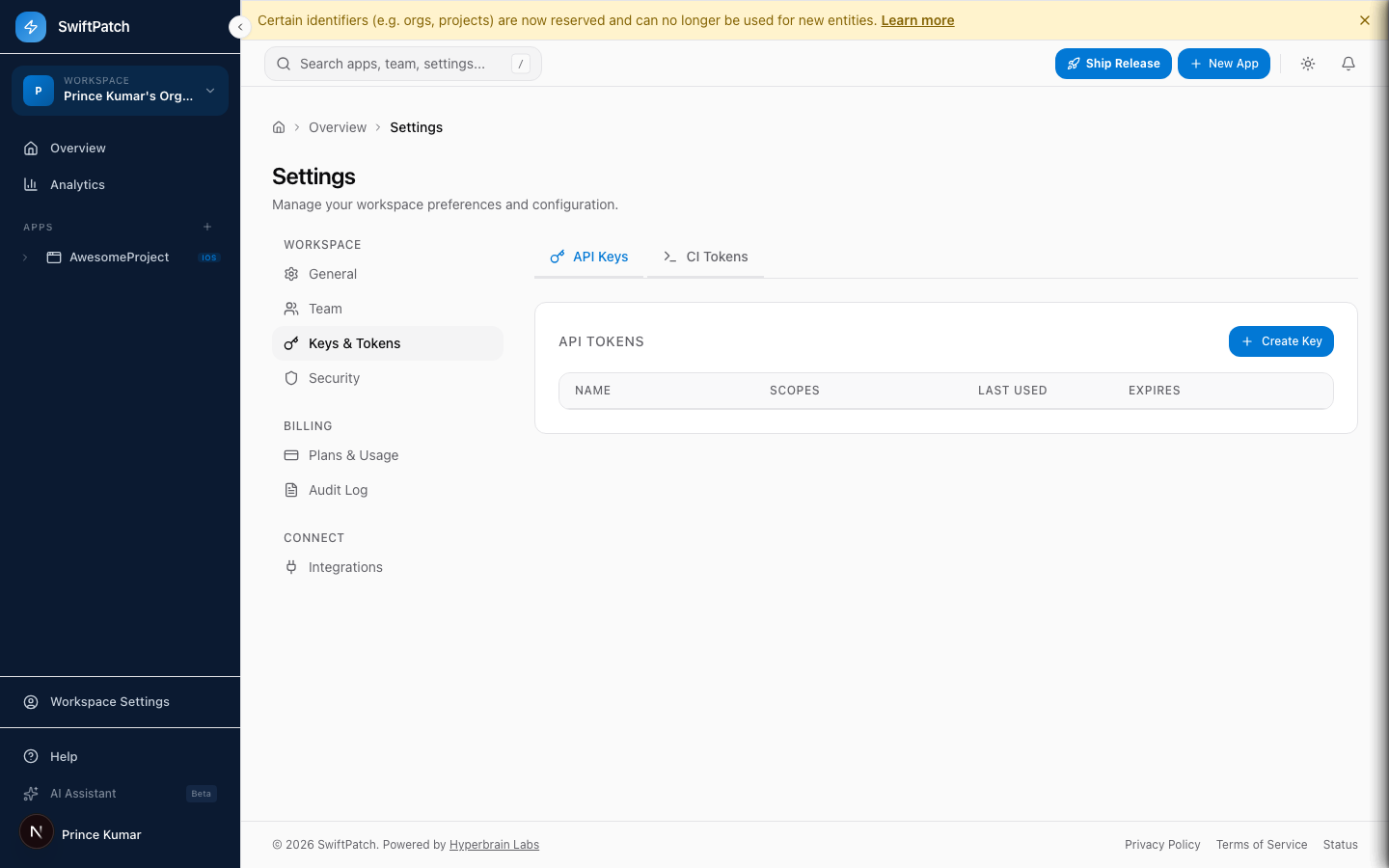
API Keys
API keys provide programmatic access to the SwiftPatch API with configurable scopes and expiration.
To create one: Settings > Keys & Tokens > API Keys > + Create Key.
API keys are shown only once at creation time. Copy it immediately.
CI Tokens
App-scoped tokens for CI/CD pipelines. Authenticate via the x-ci-token header.
To create one: switch to the CI Tokens tab and click Create Token.
Token format: sp_ci_{8-char-prefix}_{32-char-secret}
Tokens are stored as SHA-256 hashes on the server. You can Revoke (immediate) or Regenerate (new token, old one revoked).
App-Level Tokens
Each app has two tokens:
| Token | Prefix | Purpose |
|---|---|---|
| App Token | at_ | SDK uses this to check for and download updates |
| Deployment Key | dk_ | CLI and CI/CD use this for publishing |
Regenerating one does not affect the other.
Use App ID in native config (SwiftPatchAppId) so the SDK resolves the latest token automatically. This lets you rotate tokens without an app store update. See Key Rotation.
Security
Bundle Signing
Enable RSA code signing to verify bundle integrity. Recommended for enterprise deployments.
Step 1: Go to Settings > Security.
Step 2: Enable Bundle Signing.
Step 3: Upload your RSA public key.
Step 4: Configure the SDK with the same key.
Once enabled, every release must be signed. The SDK rejects unsigned bundles. Configure CI signing first.
Notifications
Configure alerts for new releases, rollbacks, usage limits, and security events.
Audit Log
Tracks every significant action in your workspace.
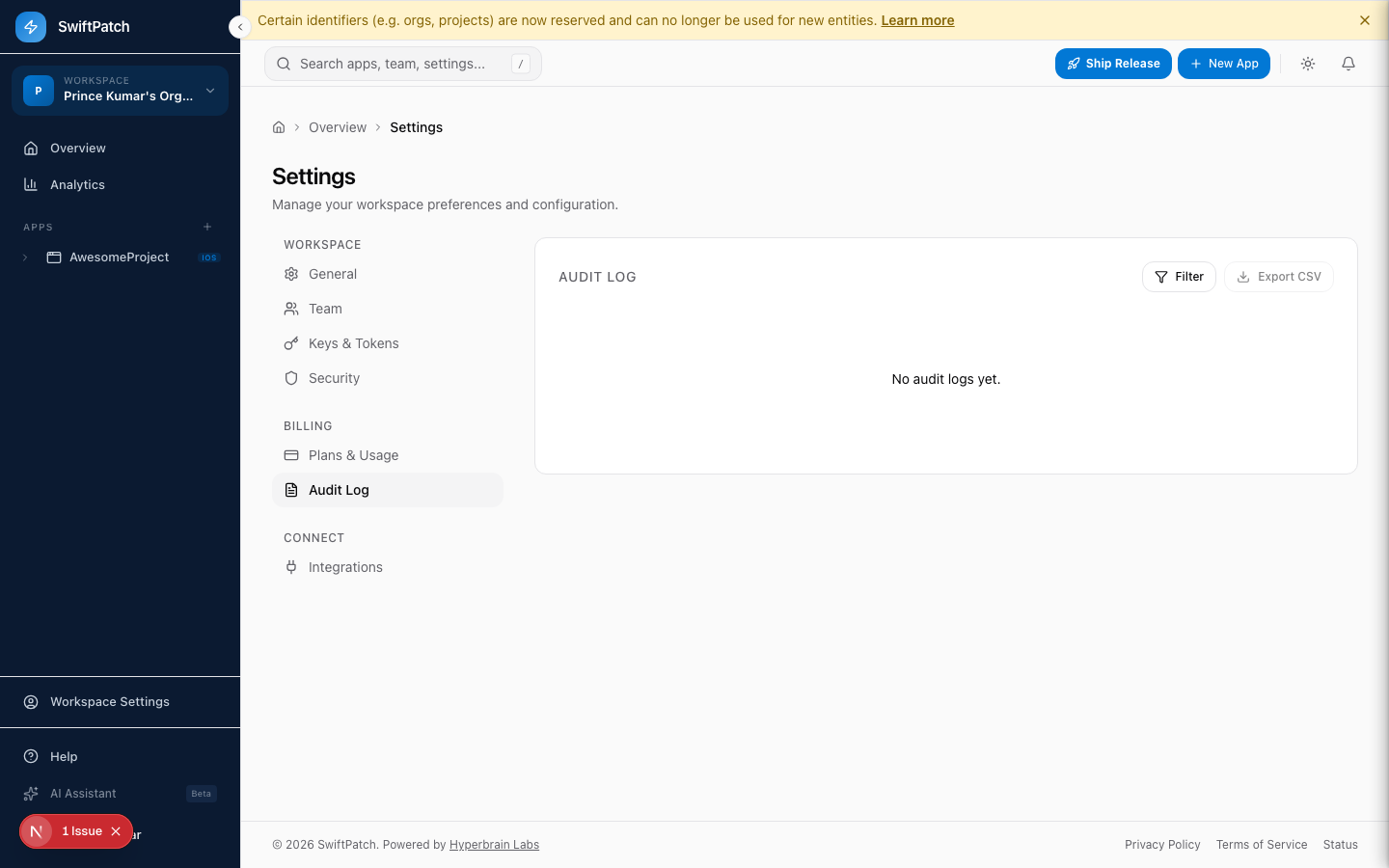
What gets logged: team changes, key/token creation and revocation, app creation/deletion, releases, rollbacks, integration changes, billing changes, and security setting changes.
Filter by event type, actor, or date range. Click Export CSV for offline analysis.
Billing -- Plans & Usage
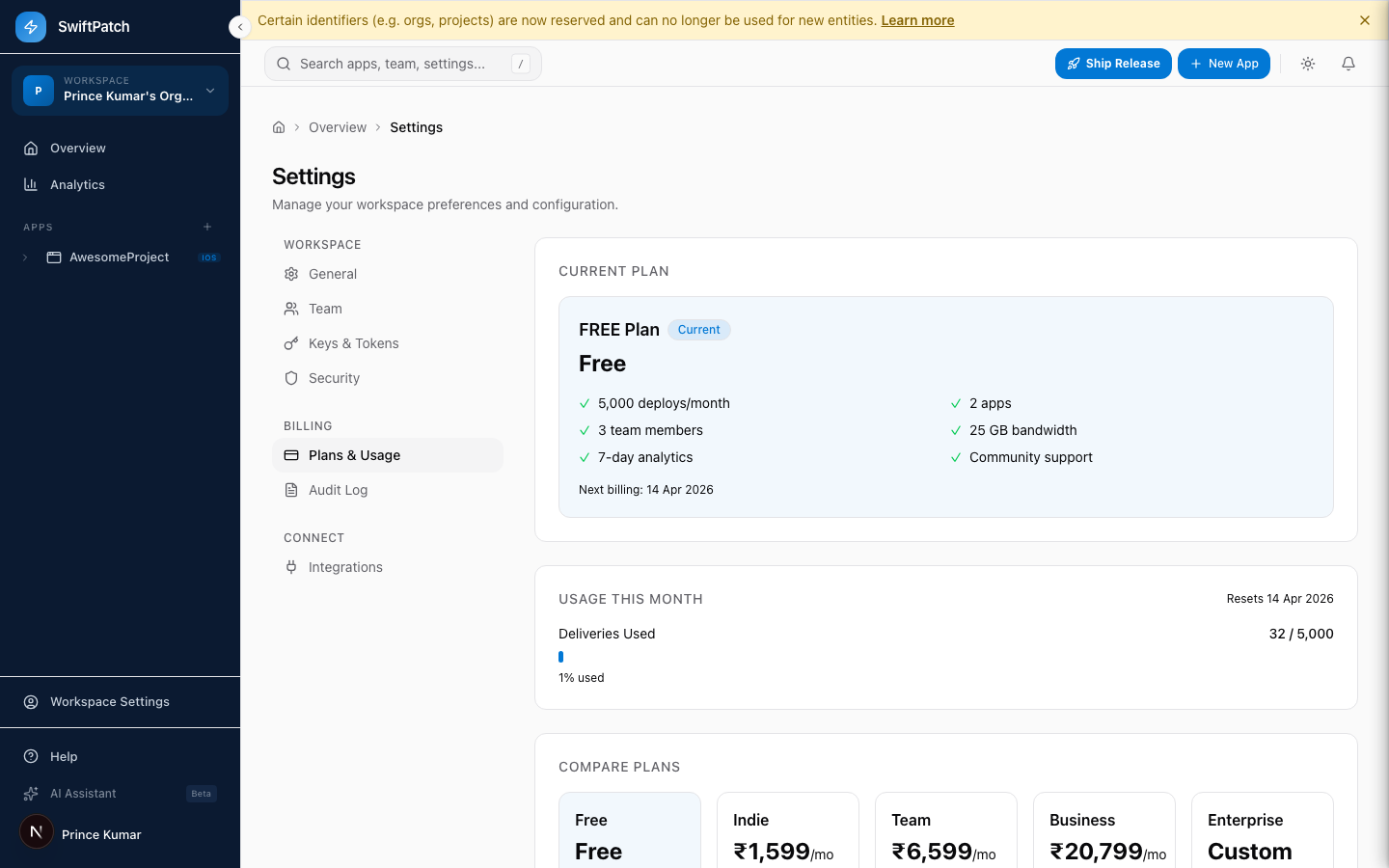
Your plan card shows included features: deploys per month, apps, team members, bandwidth, analytics retention, and support level.
A usage meter shows your current month's consumption.
Plans
| Plan | Price | Best for |
|---|---|---|
| Free | Free | Side projects |
| Indie | Paid/month | Solo developers |
| Team | Paid/month | Small teams |
| Business | Paid/month | Growing companies |
| Enterprise | Custom | Large organizations |
Upgrades take effect immediately. Downgrades apply at the end of your billing cycle.
Quick Reference
| I want to... | Go to |
|---|---|
| Rename my workspace | General |
| Check storage usage | General |
| Invite a team member | Team |
| Create an API key | Keys & Tokens > API Keys |
| Create a CI token | Keys & Tokens > CI Tokens |
| Rotate an app token | App Settings > Tokens |
| Enable bundle signing | Security |
| Connect Slack or Linear | Integrations |
| Review workspace activity | Audit Log |
| Upgrade my plan | Plans & Usage |
| Delete my workspace | General > Danger Zone |